
Toy war tank leather pattern PDF - by LeatherHubPatterns
$15.67 $31.34
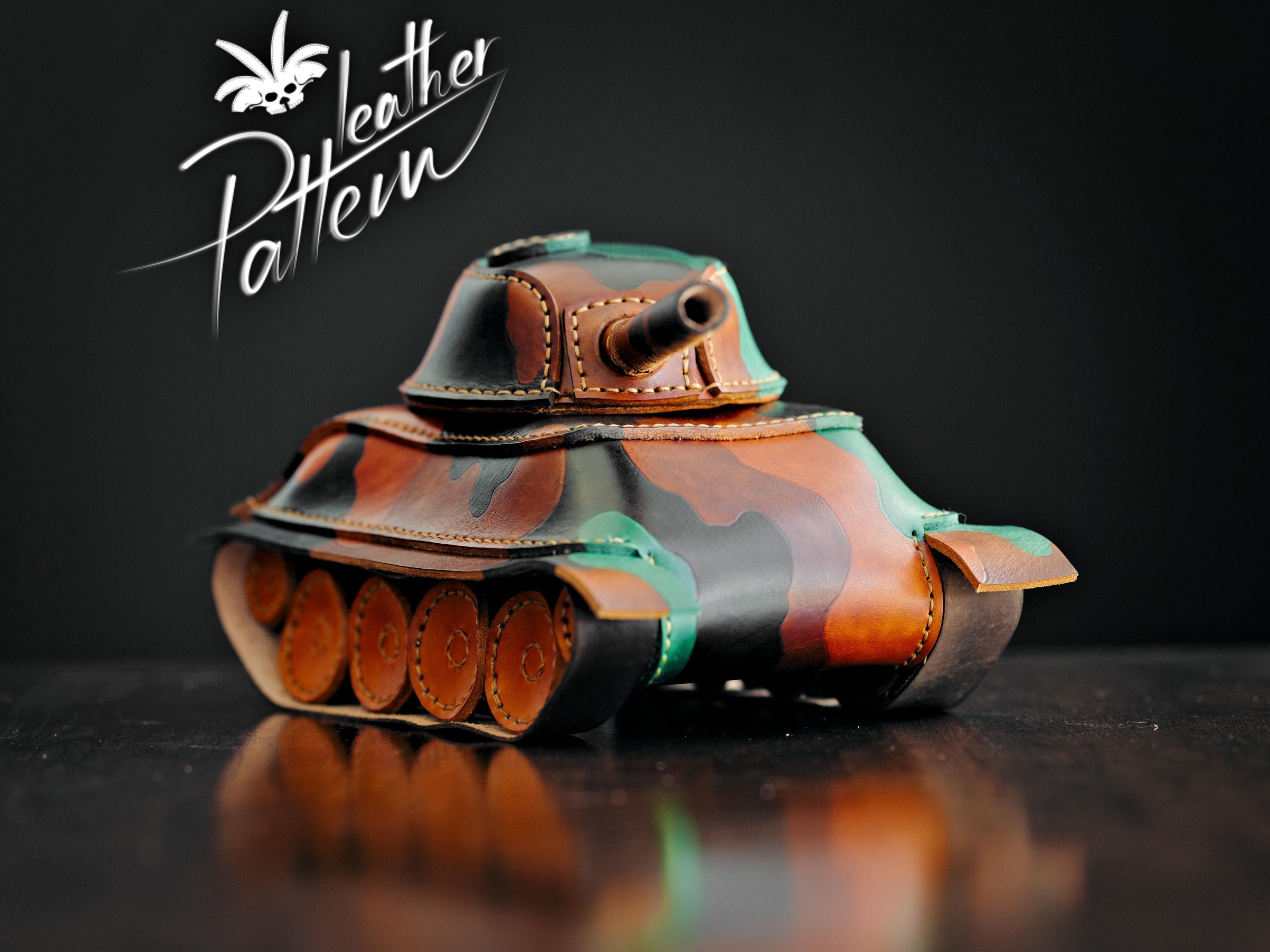
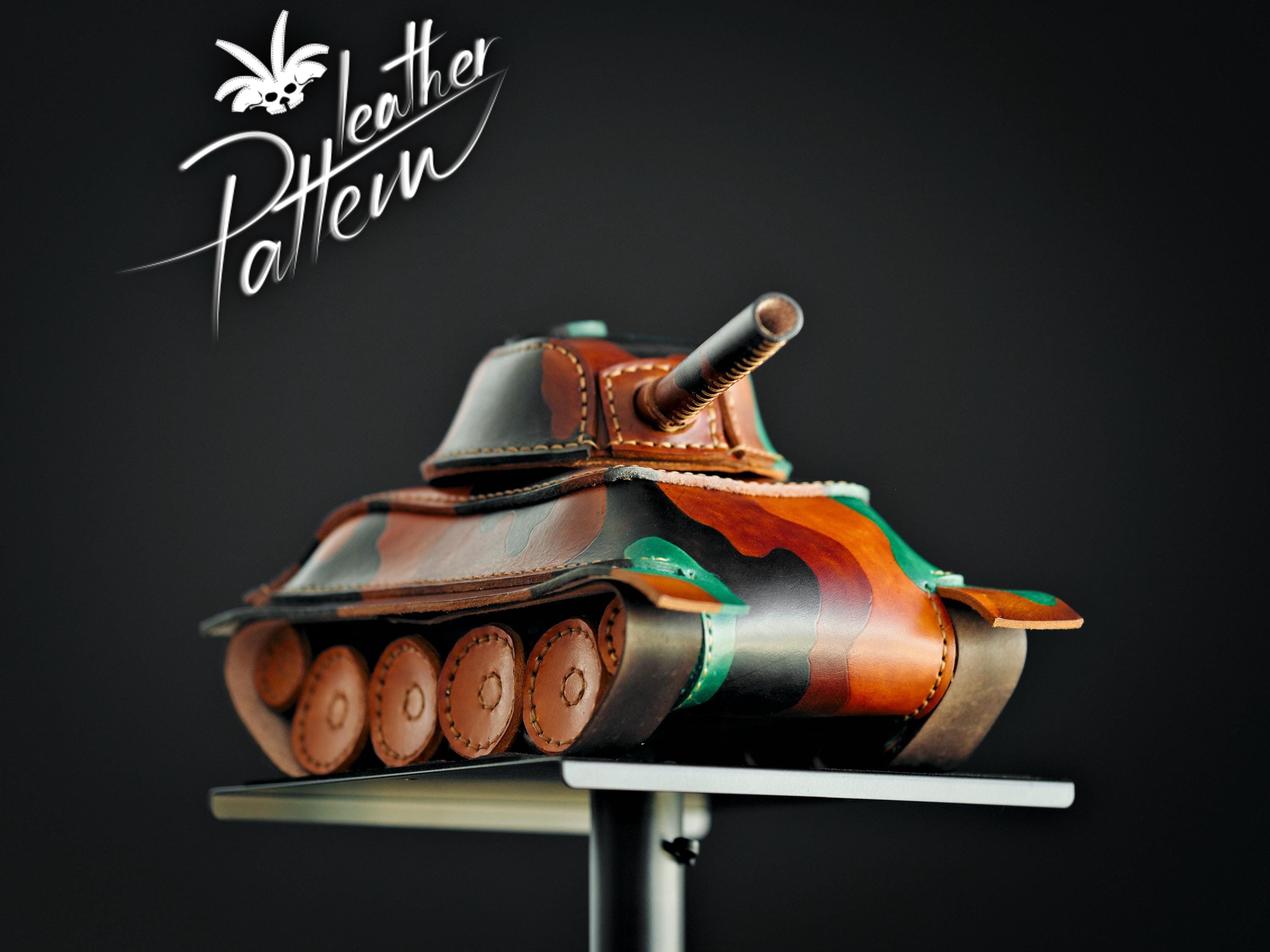
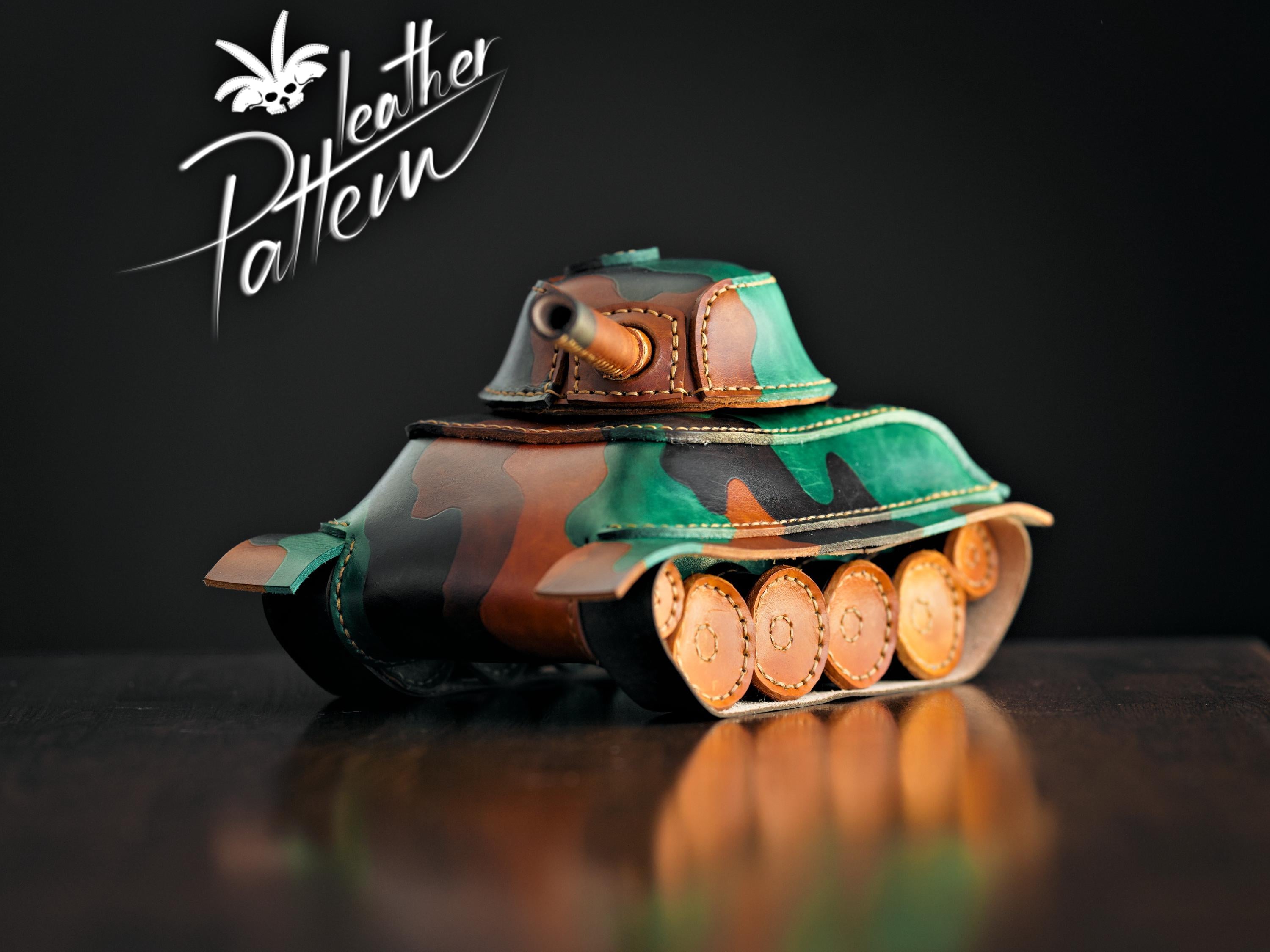
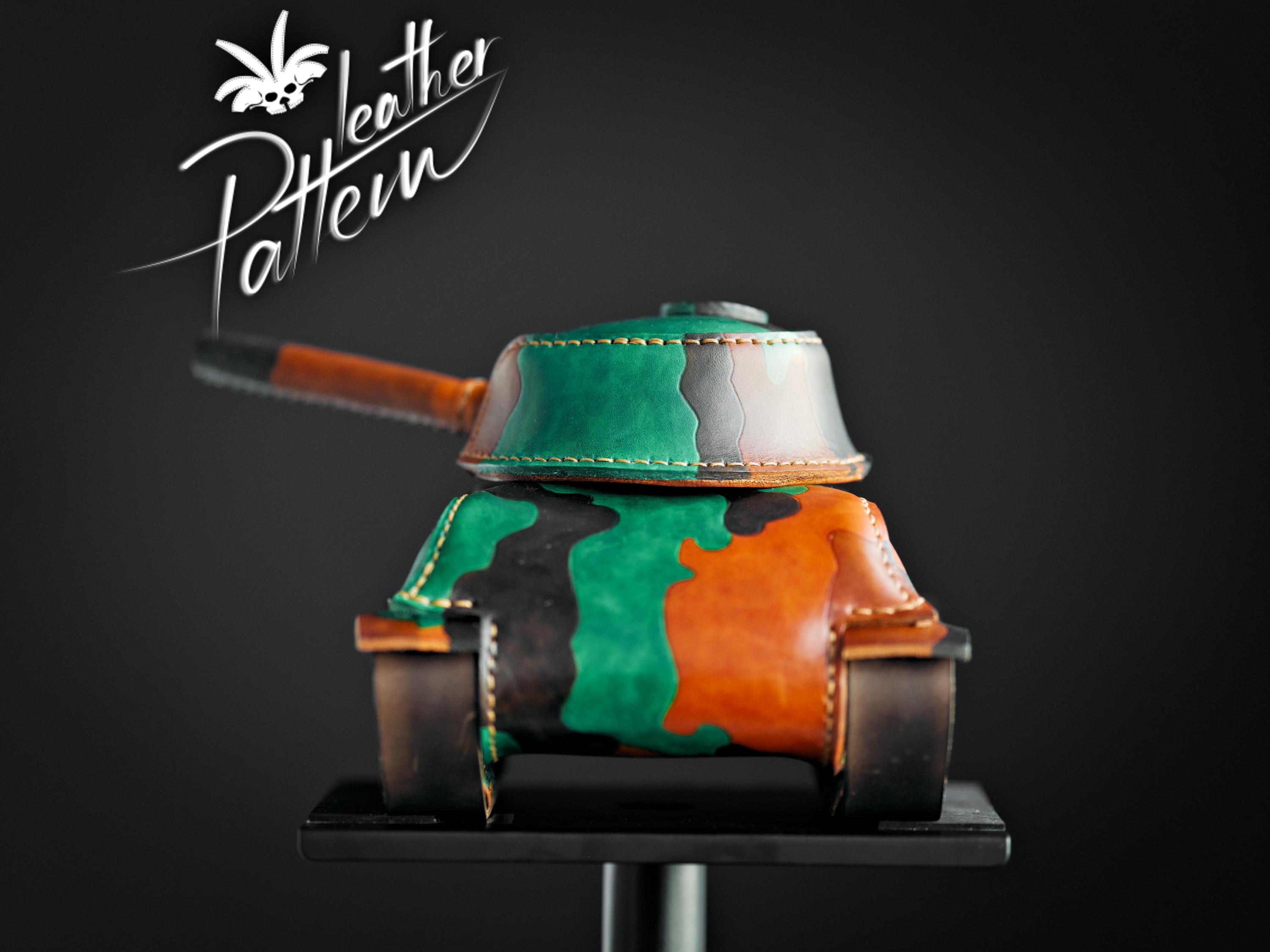
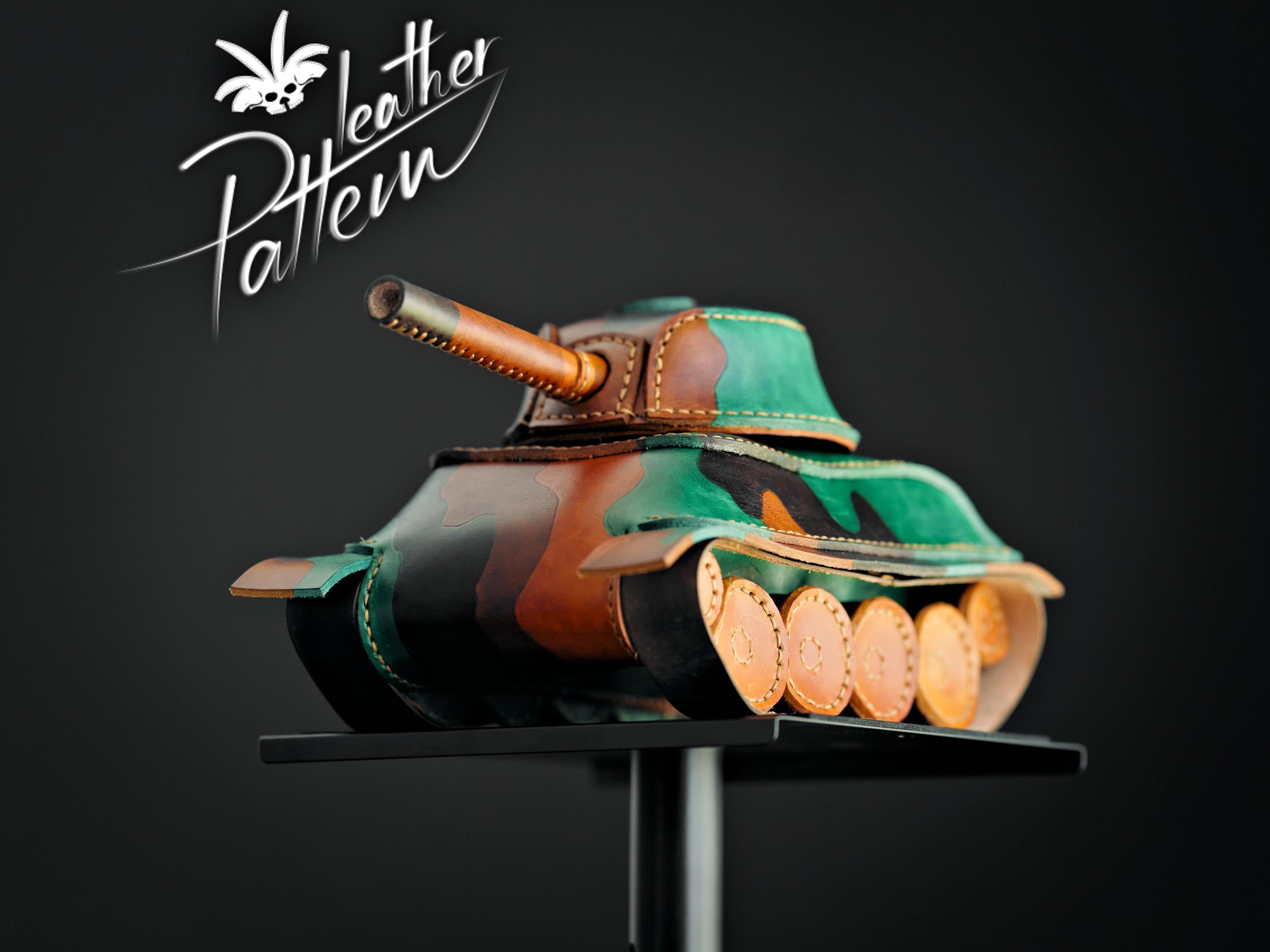
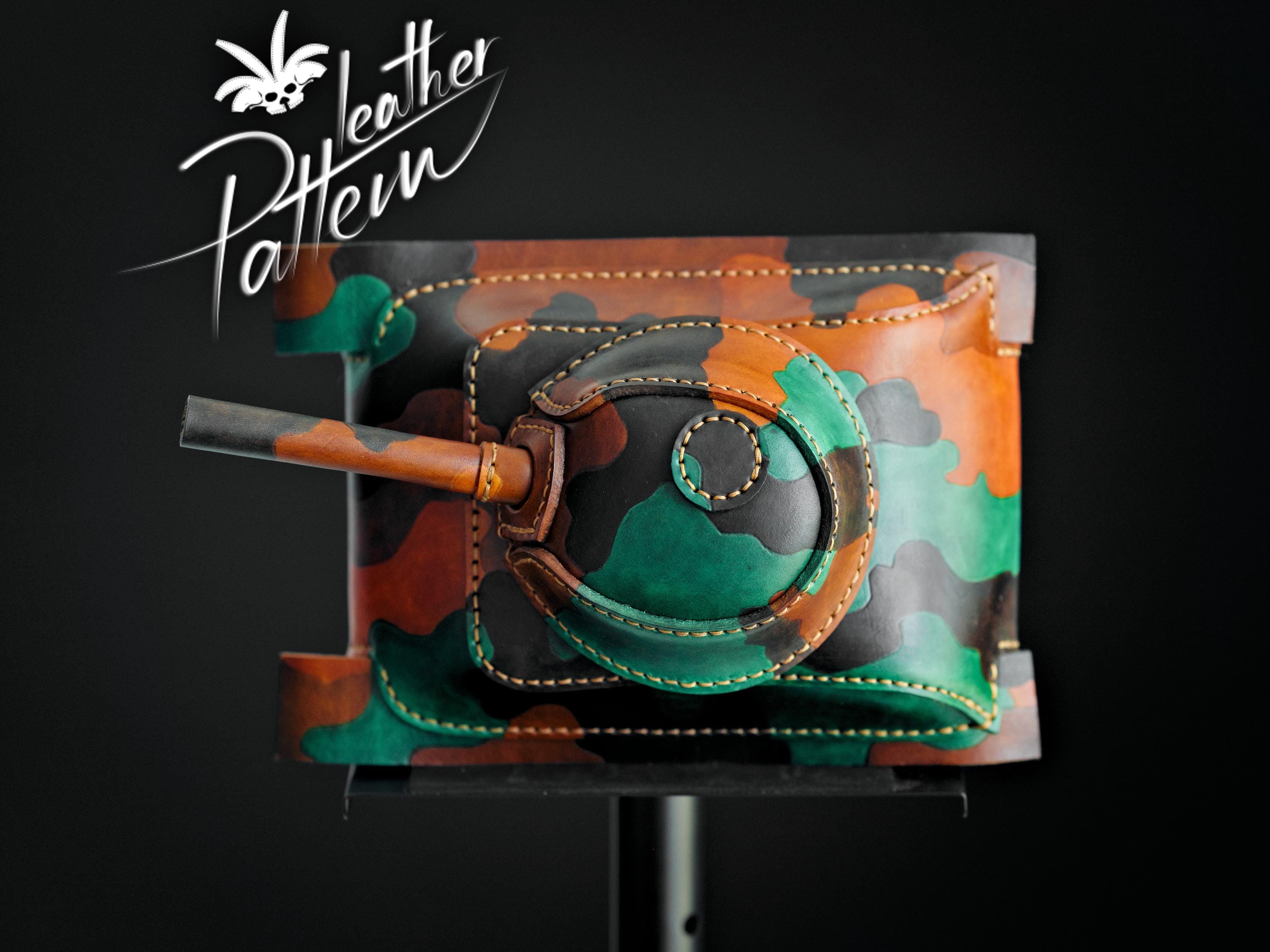
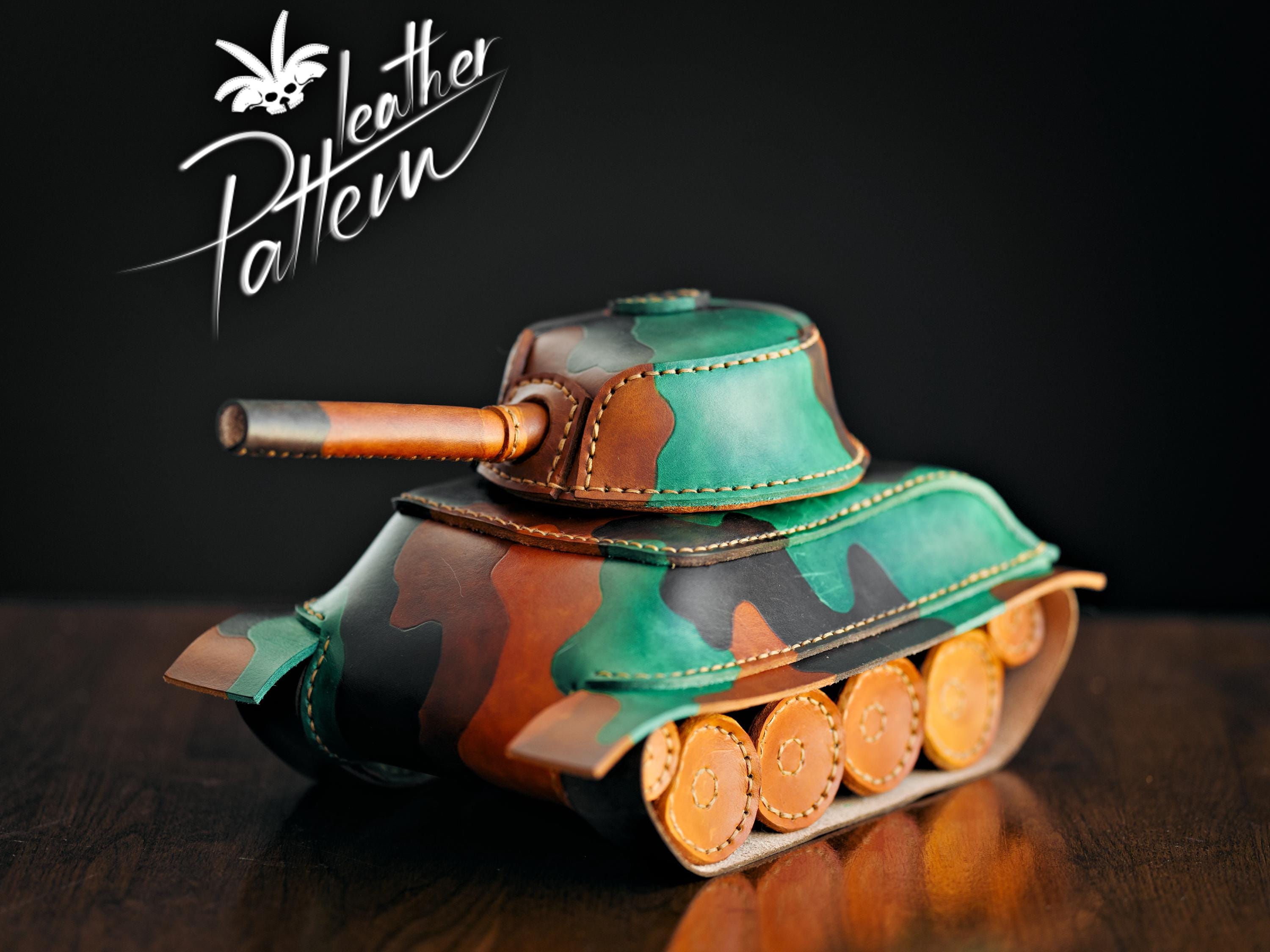
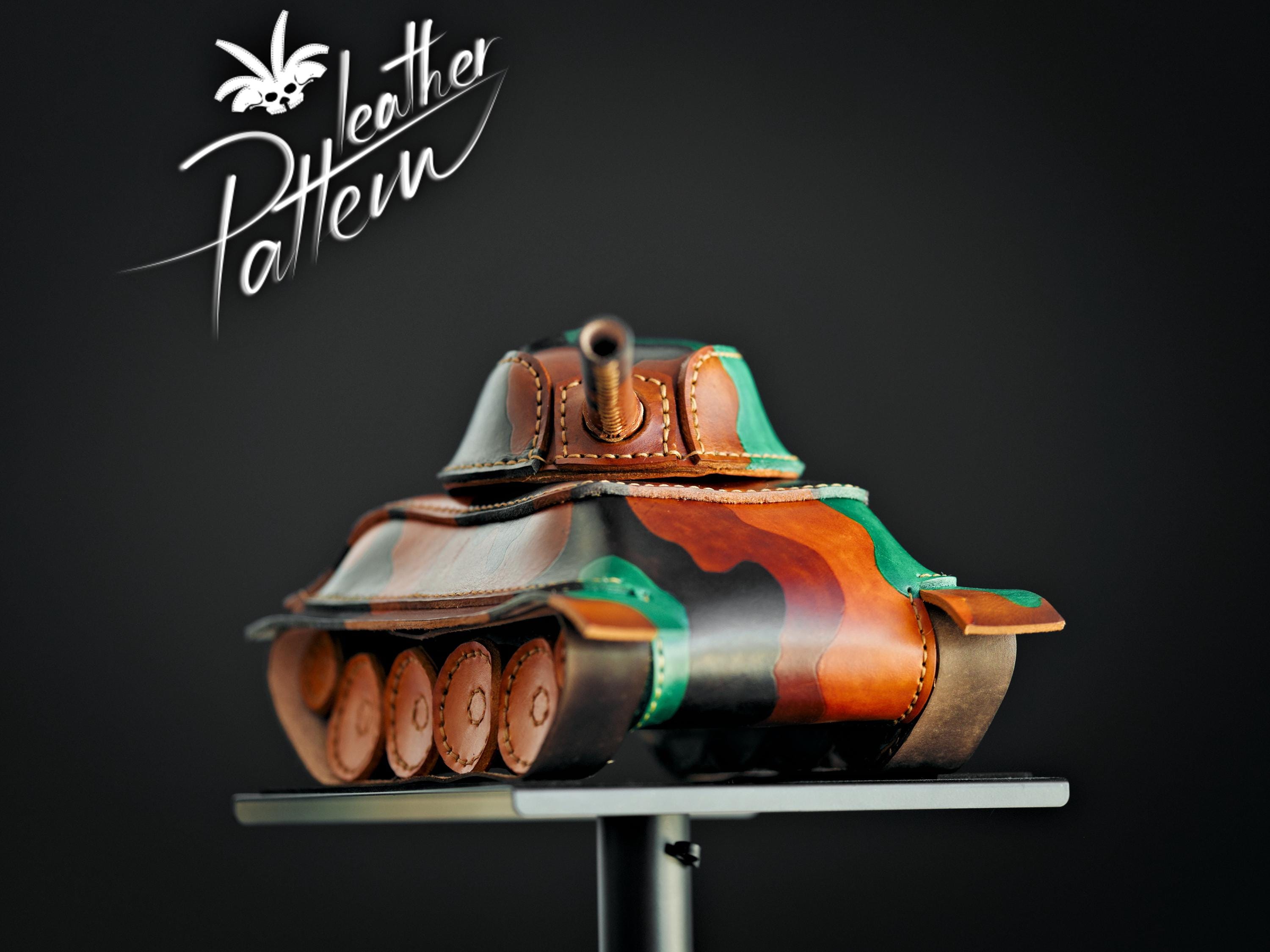
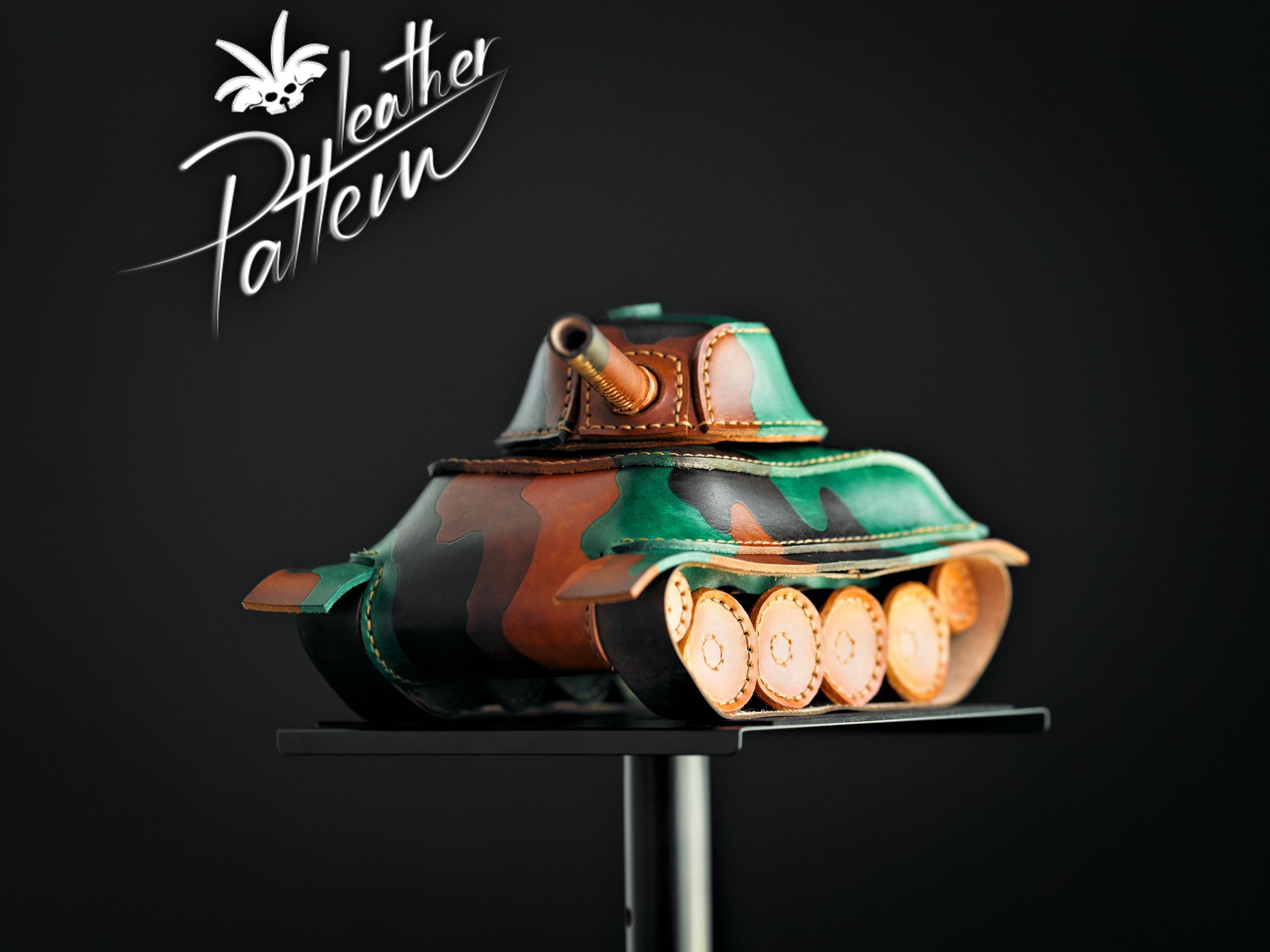
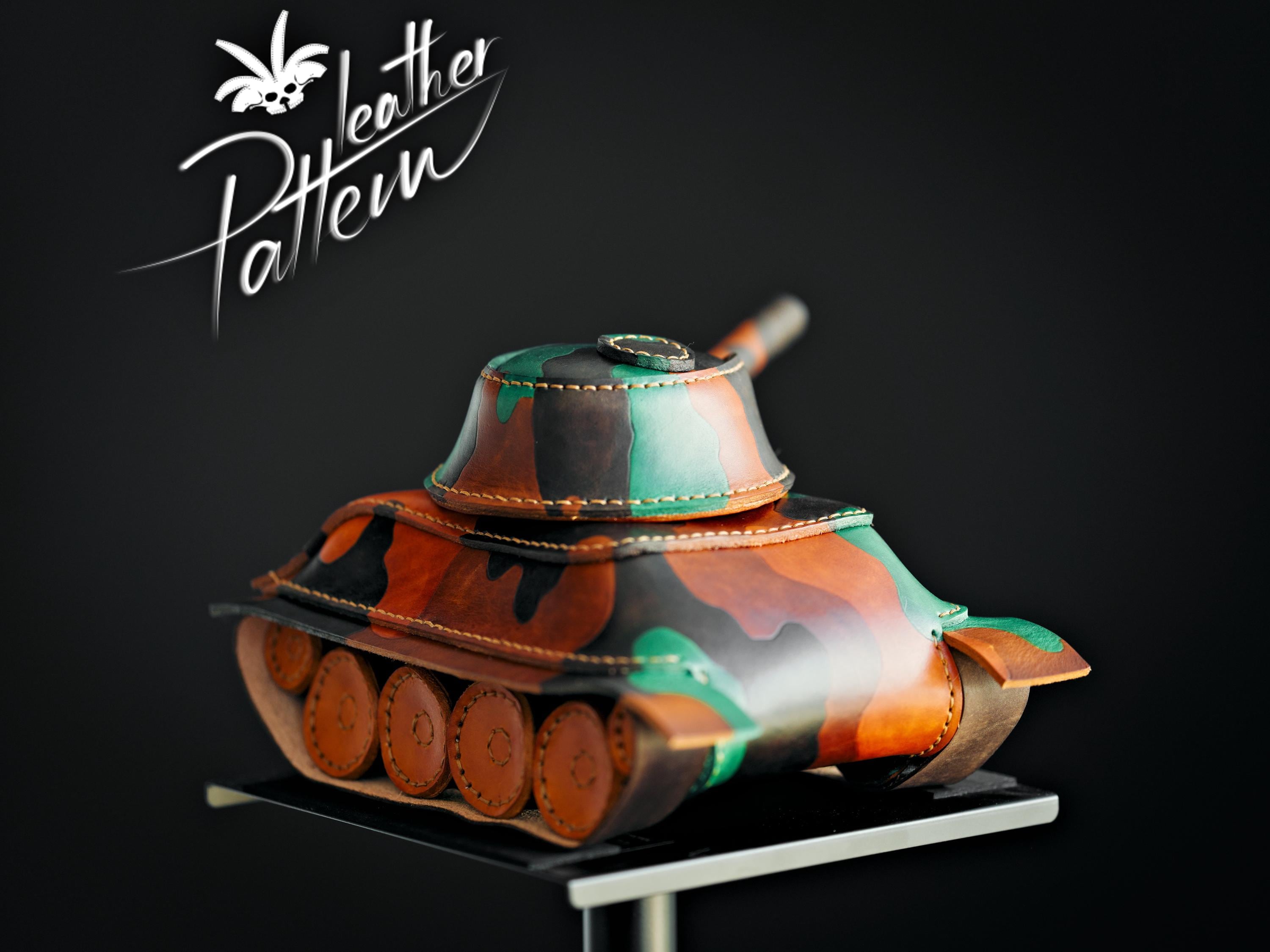
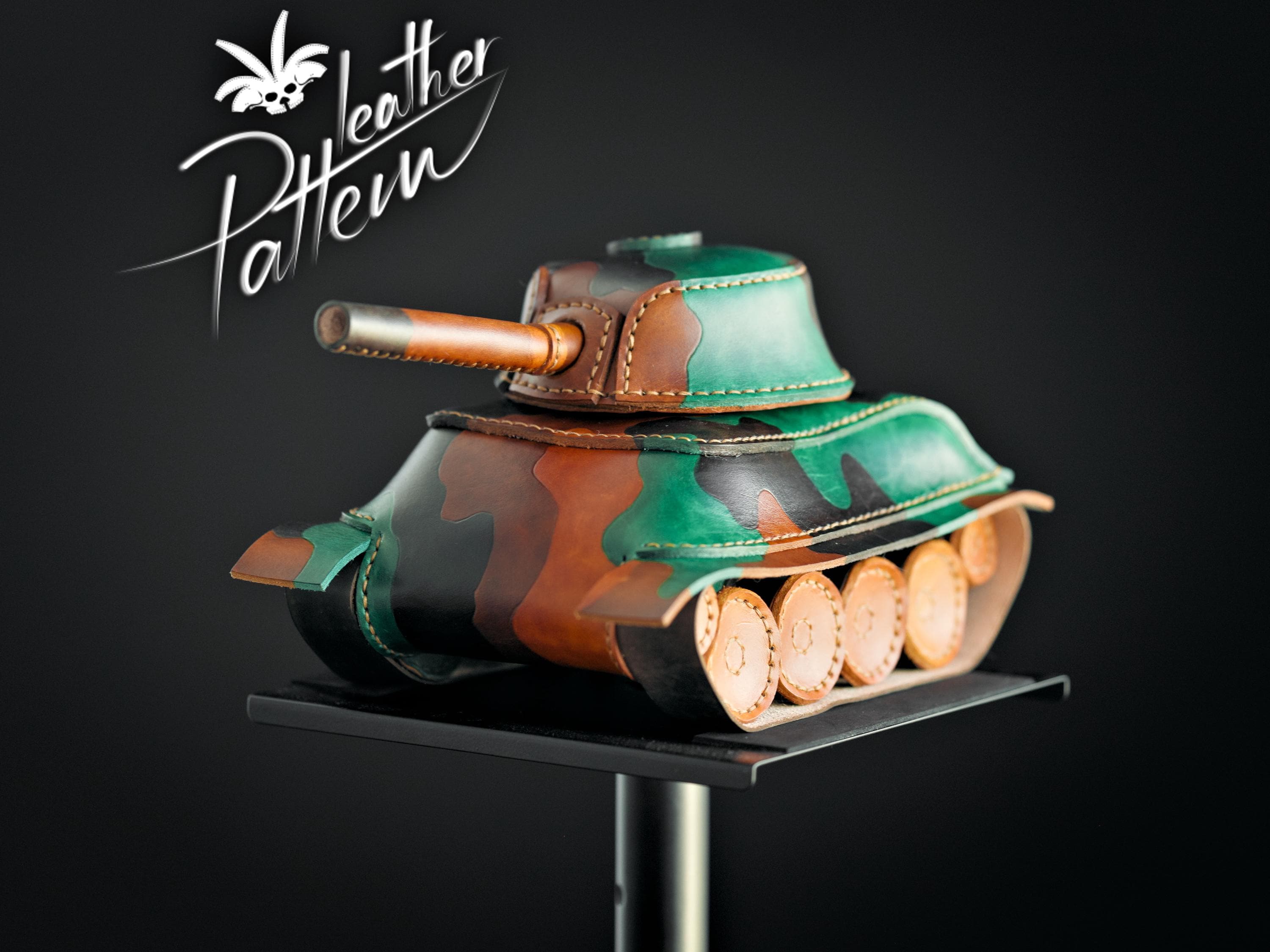
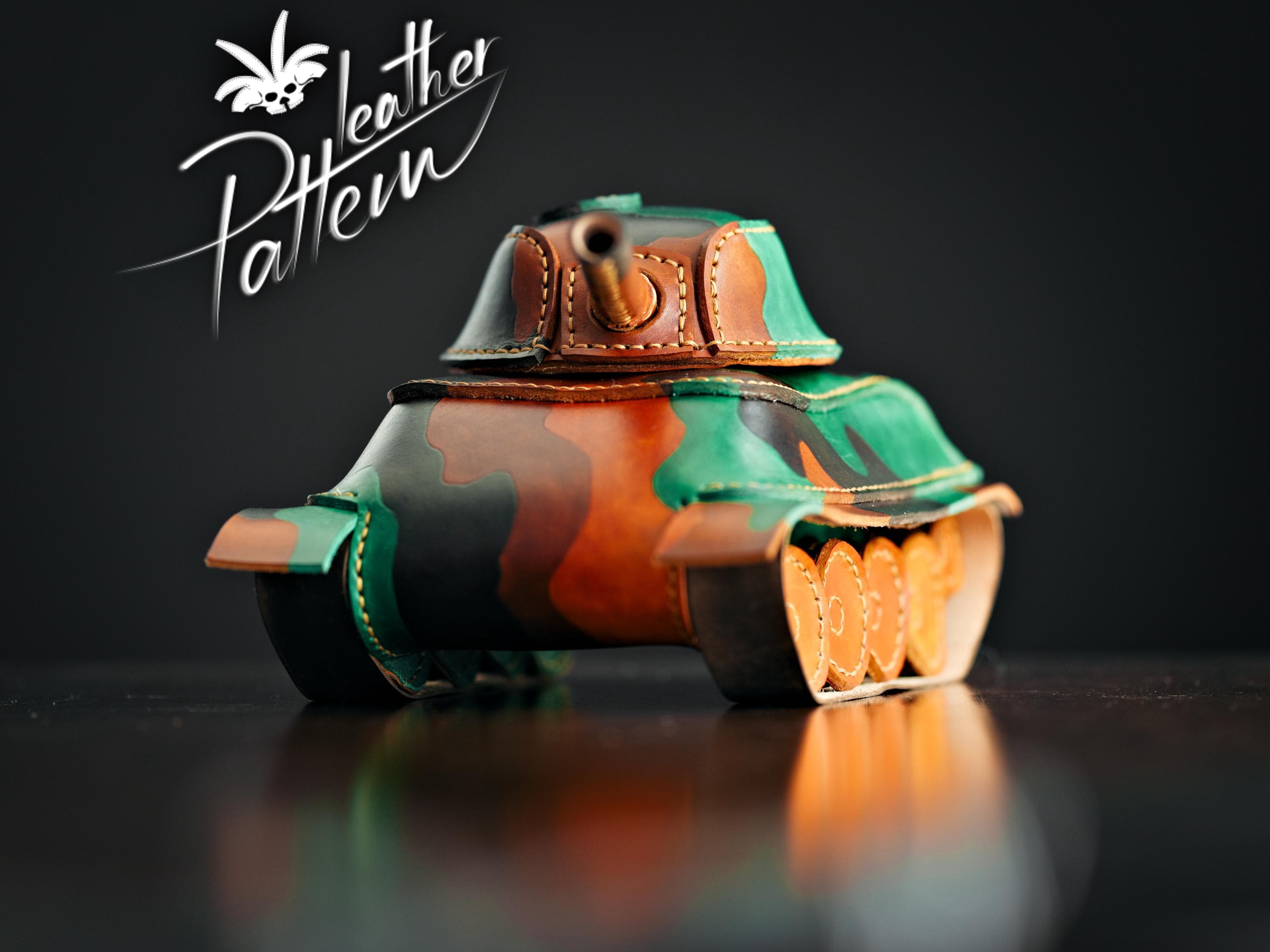
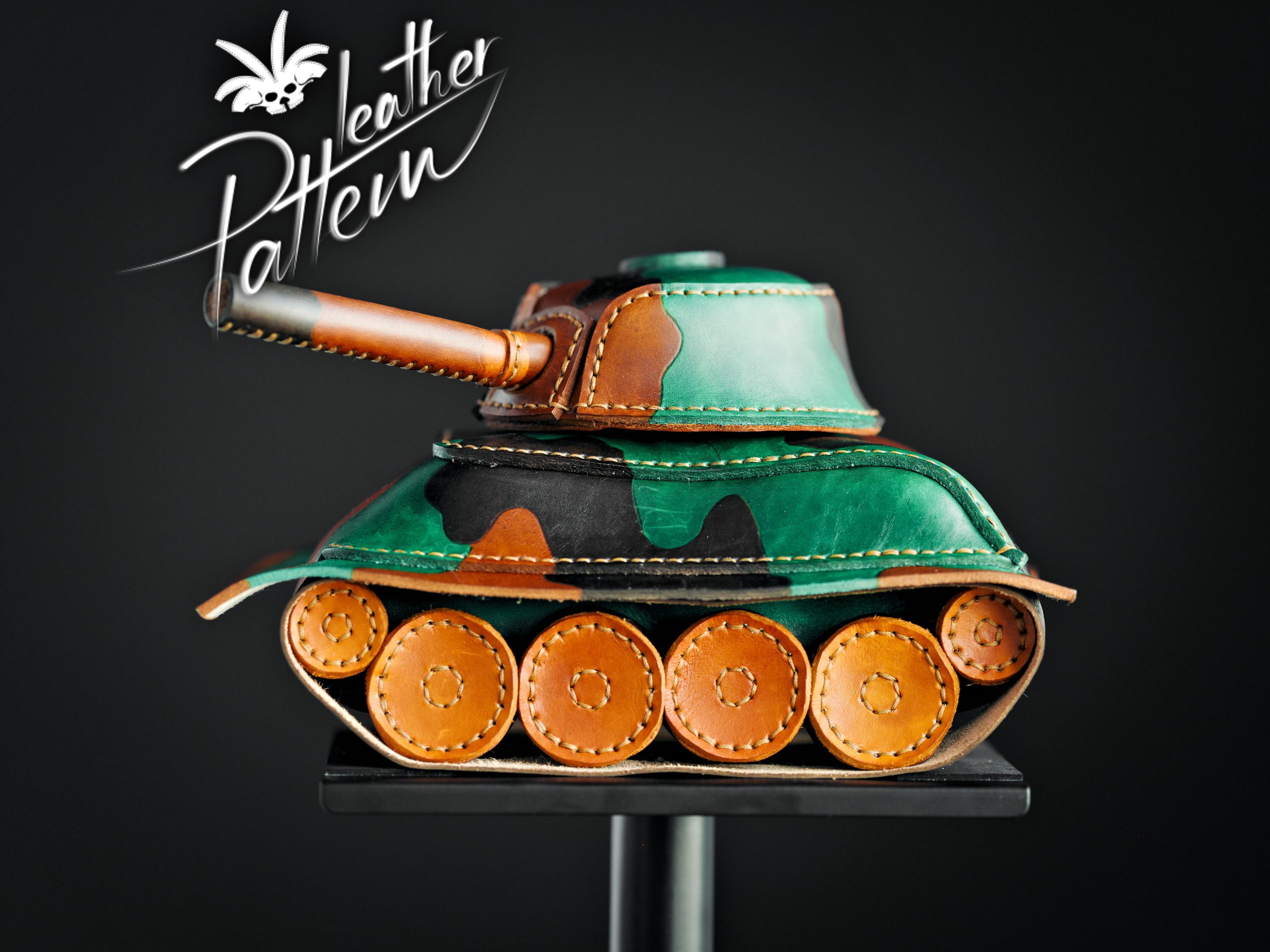
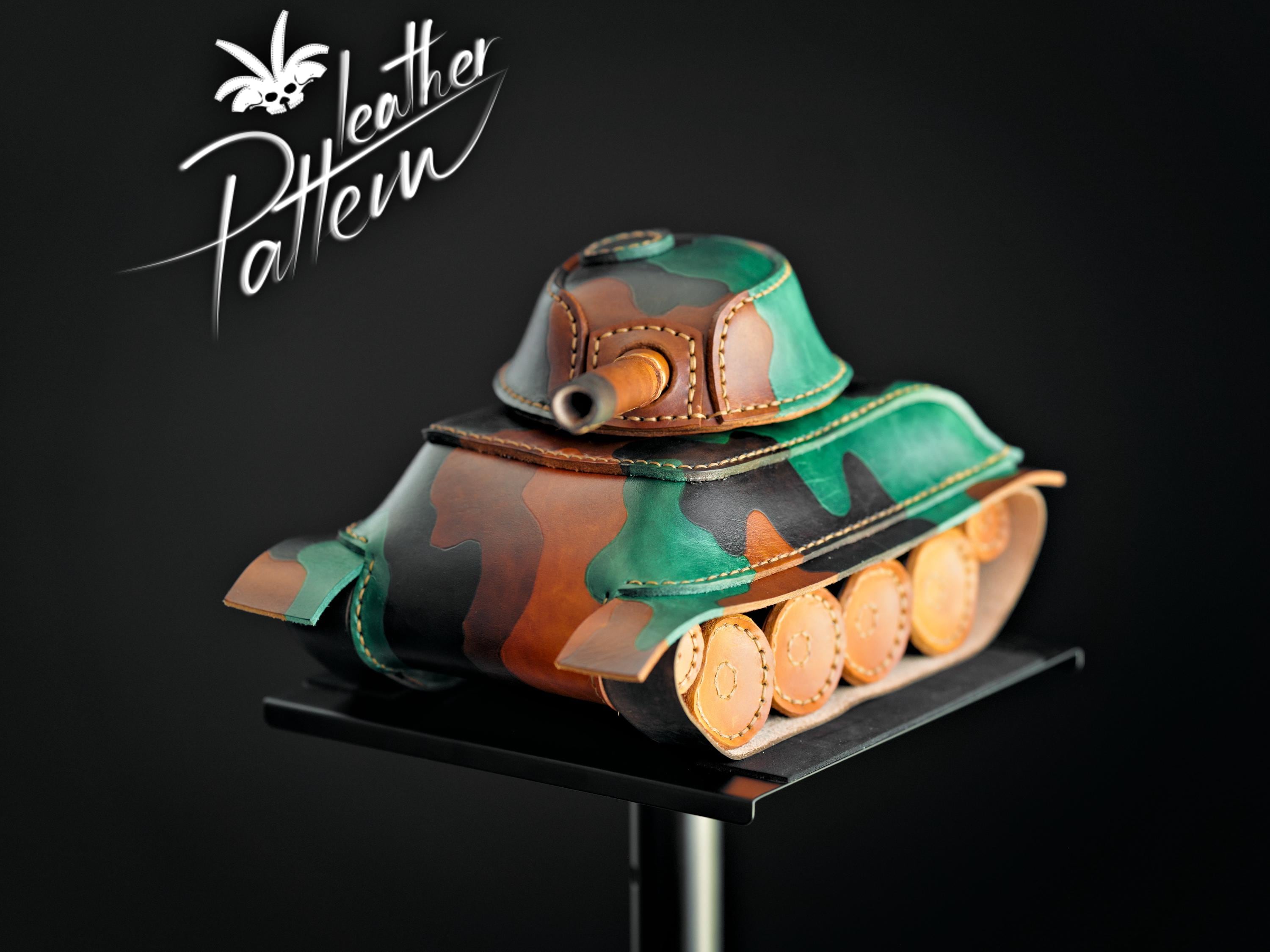
- This is a 9 page digital PDF file that can be used as a pattern for crafting a leather toy war tank as shown in the pictures.
- There's a link to a 20 minutes video in the second PDF file attached to the order and it shows the whole process. That's where you'll also find a list of basic tools needed for the job, along with links to where they can be bought.
- If you're just starting out you should start with an easier project like the toy car https://www.etsy.com/listing/820737988.
- It measures about 280 mm ( ~ 11 in ) in length, 200 mm ( ~ 7.8 in ) in width and 170 mm ( ~ 6.7 in ) in height. If you want to make a smaller version then you can print the pattern at a lower scale. Just bear in mind that it does become a bit more challenging the smaller you go as the holes close up on each other and the distance to the edge gets smaller.
- We used about 6.3 sq ft ( .54 sq m ) of 5-6 oz ( ~ 2 mm ) vegetable tanned leather for the camo parts and the wheels. You should use thinner leather for the turret base and the rims if you wish to have it a bit easier on your hands.
- We also used a rivet and saddle tan, brown, chocolate and green Fiebing's oil dye. We always finish with Resolene but you can use anything else that's similarly purposed.
- The camo pattern is also painted on the parts if you wish to reproduce it. It requires a ball pen to mark the leather beforehand. Actually just watch the first part of the video to get a better idea.
⚠️ Note that you will not be able to use this file for CNC or laser cutting as it does not contain XML data.
💡You may print this pattern on any of the following paper types: US Letter, A4-A0, Legal and Ledger / Tabloid by selecting the US_Letter format from your printing options.
💡 To access your digital file(s), go to You > Purchases and reviews and look for the order. To the right of the order, click Download Files. This goes to the Downloads page for all the files attached to your order. You might need to use an internet browser instead of the app.
• You should handle this neatly but if you don't, then I'm always in for a chat. I have quite a presence on our group and we'd love it if you'd like to be part of our community at https://facebook.com/groups/leatherhub
Digital downloads
File delivery
Your files will be available to download once payment is confirmed.
Payment Options
Returns & Exchanges
Returns & exchanges not accepted
But please contact me if you have problems with your order